Nearby Products on Zutilo | Local Marketplace Search
Nearby on Zutilo helps you browse local marketplace listings closer to your current location with distance context on search cards.

Hetvi Patel
Content Writer
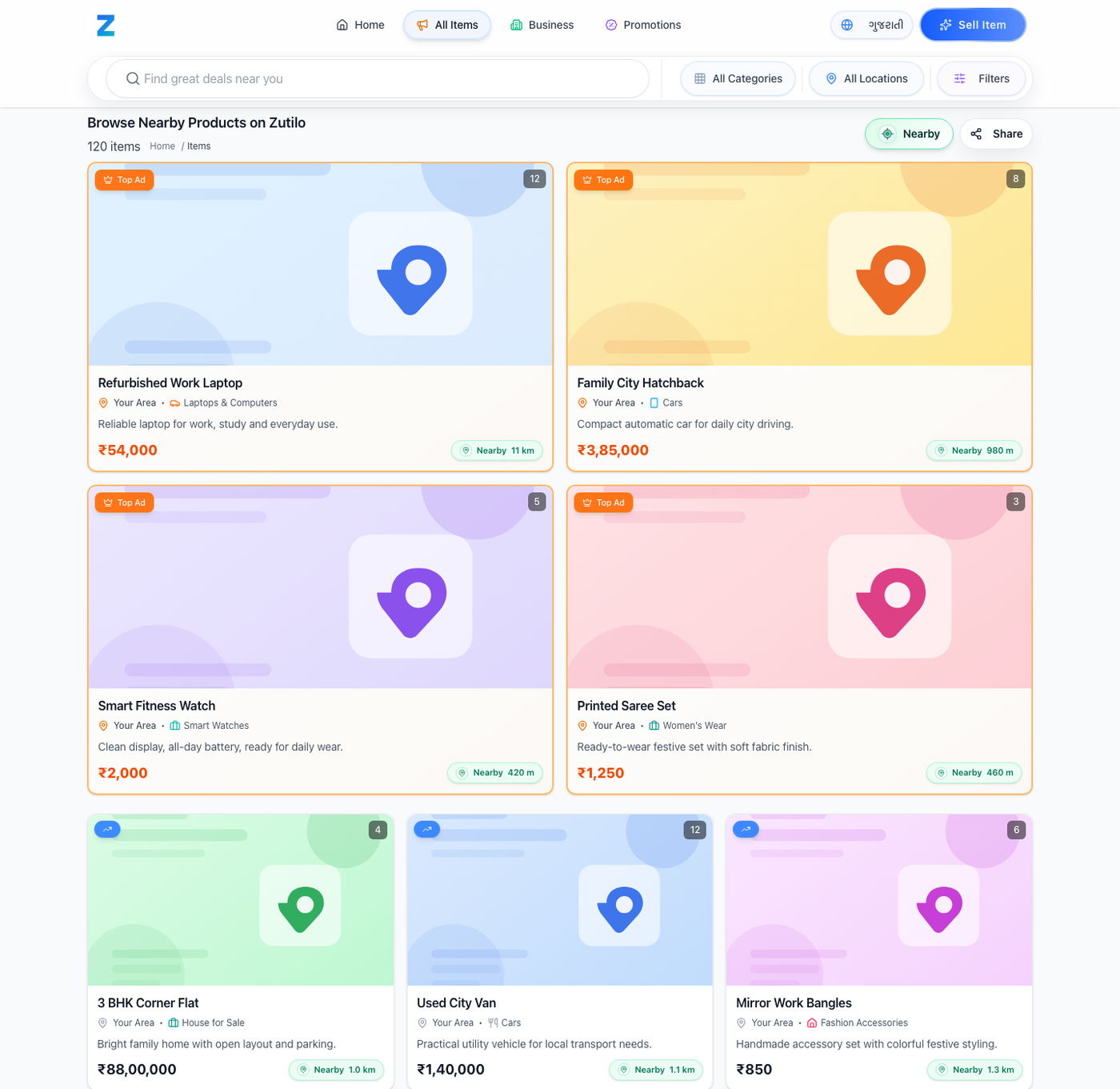
Nearby on Zutilo is a user-selected browse mode that uses your current location to help show closer marketplace listings first and display distance context on listing cards when available.
Local buying should feel local.
That sounds obvious, but in a marketplace, it is not always easy to tell which products are actually close to you and which ones only match the category you searched for.
That is why Nearby is now live on Zutilo.
Nearby helps you browse search results using your current location, so listings closer to you can appear first and distance can be shown directly on the card when that information is available.
What Nearby does#
Nearby is a new way to browse on Zutilo search results.
When you choose Nearby:
- Zutilo uses your current location for that browsing session
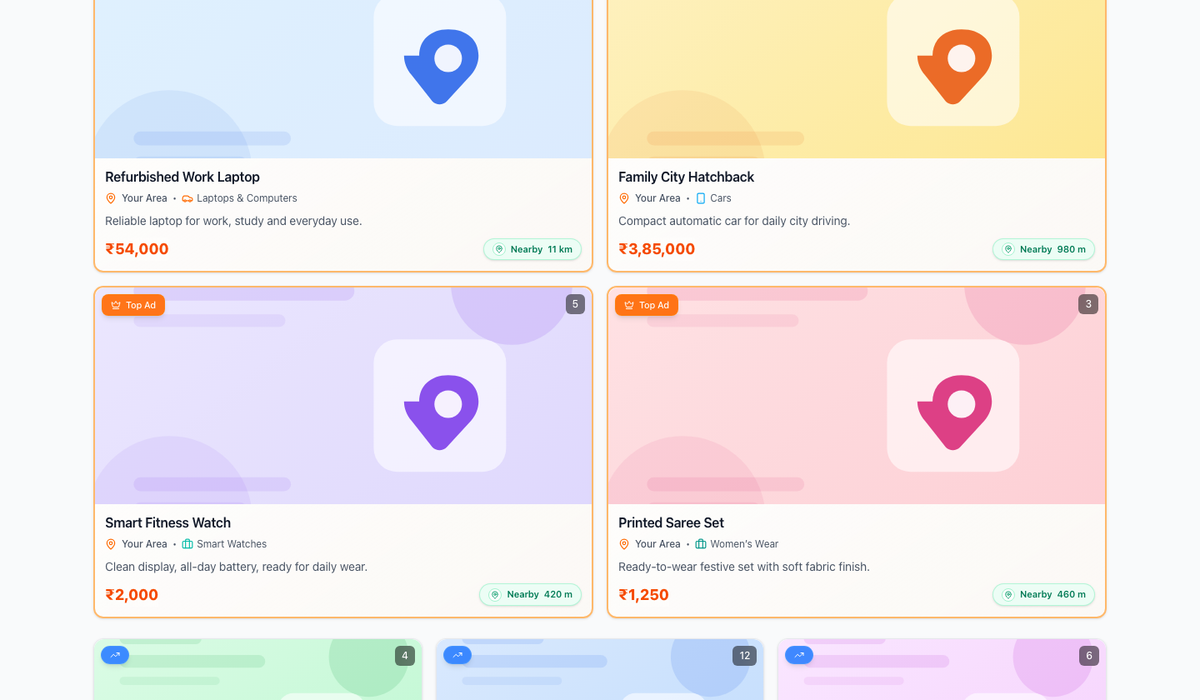
- matching listings can be ordered from nearest to farthest
- distance can appear on listing cards so you can judge local relevance faster
The goal is simple: make local discovery more practical.
If you are comparing used phones, bikes, furniture, appliances, or property, distance often matters immediately. A product that is closer to you is usually easier to inspect, easier to collect, and often easier to close.
How it works#
Nearby is not meant to replace the rest of Zutilo browsing. It is there when you want a location-aware view of the results.
The experience is built around a few clear rules:
- Nearby works when you choose it
- Zutilo uses your device location only for that flow
- regular browsing stays normal if you do not use Nearby
- if location is not available, Zutilo can safely fall back instead of breaking the search experience
That means Nearby is designed to feel helpful, not confusing.
Why this matters for buyers#
Nearby helps answer one of the most practical marketplace questions:
Which of these listings is actually close to me?
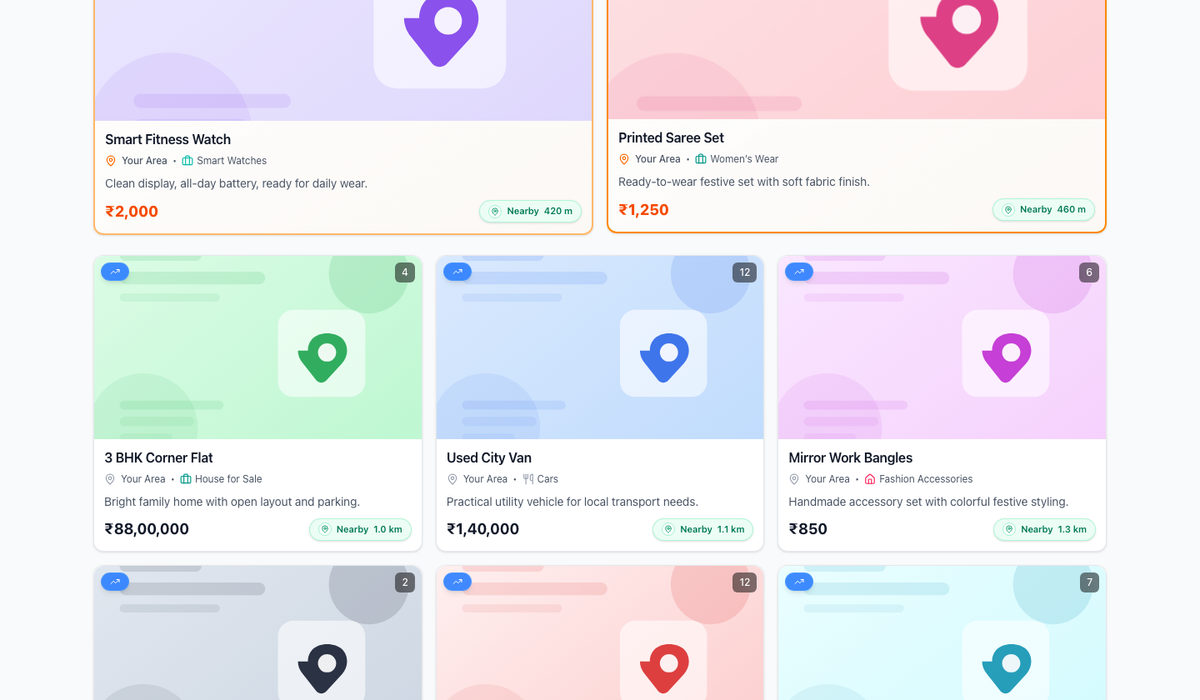
Instead of treating every matching item the same, Nearby adds distance context to the result list. That gives buyers a faster way to shortlist options that are easier to visit, compare, or collect.
This is especially useful in categories where local convenience matters:
- phones and laptops
- furniture and home goods
- bikes and cars
- fashion and accessories
- local property browsing
What Nearby does not try to be#
Nearby is not a background tracking feature.
It is not there to silently change everything about Zutilo. It is not meant to turn search into a map-first experience. It is a focused browse mode for people who want to see closer results first.
That is an important difference.
The value of Nearby is not complexity. The value is clarity. You search, turn on Nearby, and get a better sense of what is actually around you.
A better local discovery layer#
Zutilo is built around buying and selling locally, so local relevance should be visible inside the search experience itself.
Nearby moves that idea forward by:
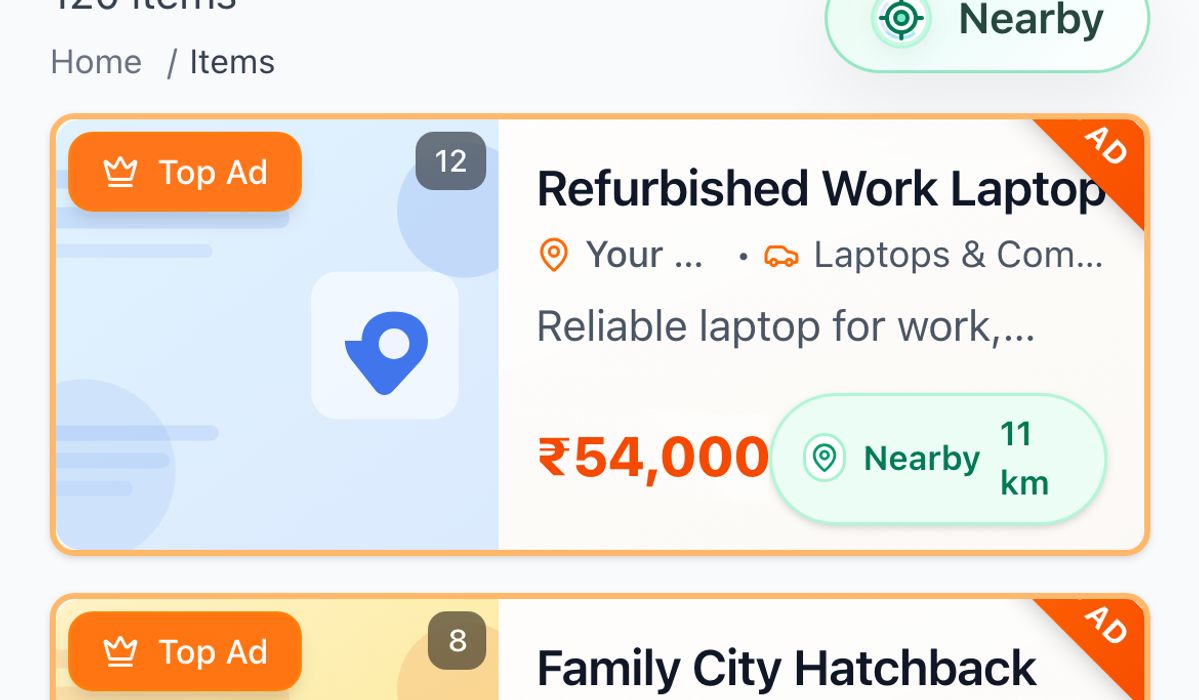
- making distance easier to notice
- helping users browse closer listings first
- keeping the experience inside the normal Zutilo results flow
For users, that means less guesswork and faster local discovery.
If you want to try it, open Zutilo search results, turn on Nearby, and start exploring what is closer to you.
Looking to sell something?
Post your free ad in 30 seconds and connect with buyers across Gujarat.
Browse Nearby on ZutiloExplore on Zutilo
Quick shortcutsFrequently Asked Questions
4 Items1What is Nearby on Zutilo?
Nearby is a live browse mode on Zutilo search results that uses your current location to help surface listings closer to you first.
2Do I need to turn Nearby on myself?
Yes. Nearby is designed as a user-selected browsing mode. It works when you choose it on search results.
3Does Nearby show distance on every listing?
Distance can be shown when that listing has distance information available. If that information is not available for a specific item, the distance label may not appear.
4Can I still browse normally without Nearby?
Yes. Normal Zutilo browsing remains available even if you never use Nearby.