Buy and Sell Second Hand Samsung Phones in Gujarat
168 items
All Listings
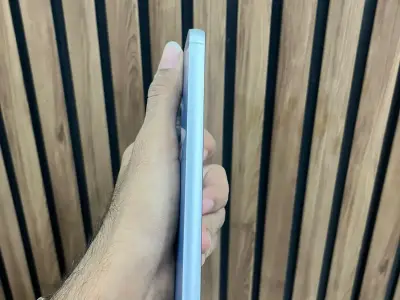
Samsung s23 fe limit Edison color ( blue )
Samsung s23 fe limit Edison color ( blue )

Samsung s24 ultra
This is a international peace
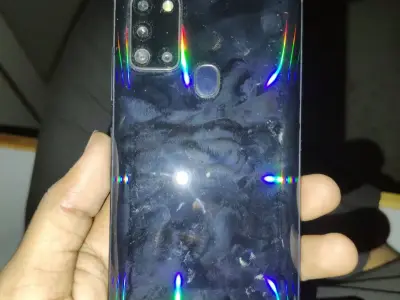
Sumsung galaxy a21s 6 64
Galaxy a21s
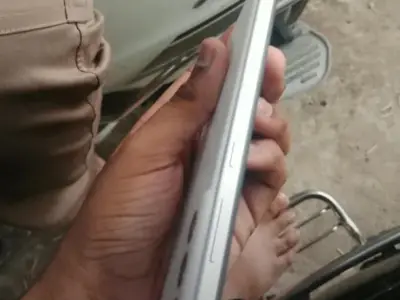
Samsung s21 fe 128gb 5g
Display change Biki all original che Bill and box
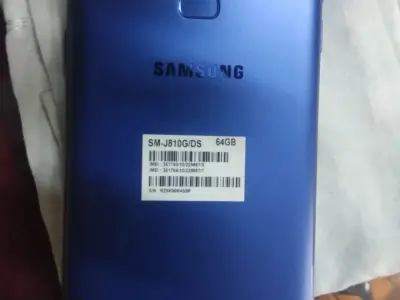
Samsung galaxy j8
📱 Samsung Galaxy J8 વેચવાનો છે 🔹 નવા ફોન ની કિંમત અત્યારે 16,000 છે. 🔹 કંપની: Samsung 🔹 મોડેલ: Galaxy J8 🔹 રેમ: 4GB 🔹 સ્ટોરેજ: 64GB 🔹 કલર: બ્લુ 💙 🔹 બેટરી: ખૂબ જ સારી સ્થિતિમાં 🔋 ✅ ફોનનાં બાકીનાં બધાં ફંક્શન...
Samsung a 34 8 128 battery problem
Samsung for sale

Samsung s22 ultra
Back side break.
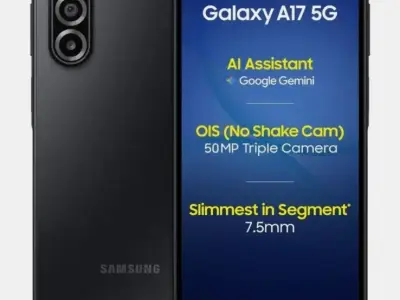
Samsung a17
Urgent sell 1 month old
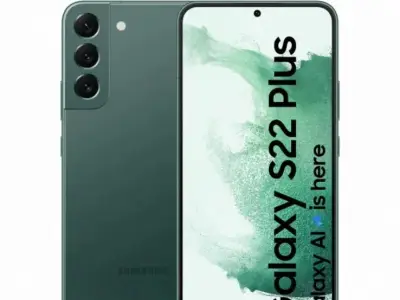
Samsung S22 for Sale
S 22 koi folt nathi

SAMSUNG GALAXY TAB A11PLUS 6/128 GRAY
Urgent sell
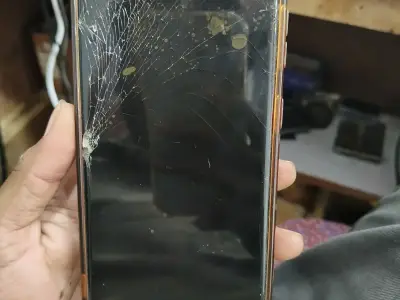
Mobile
આ મોબાઈલ માં કોબો નાખવા ની જરૂર છે મોબાઈલ જેનીયૂન સાલૂ કટીસનમા
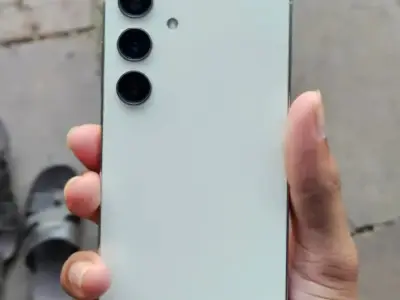
Samsung galaxy s24
256 GB with 100 percent condition bill box cable
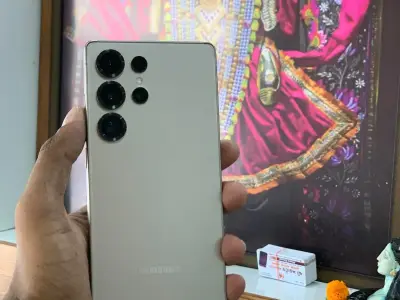
Mobile
Jamkhanbhaliya
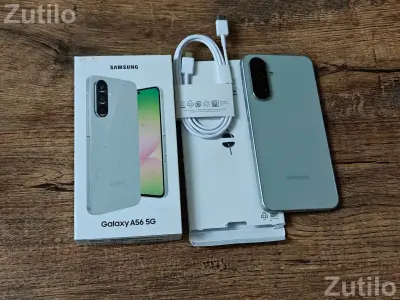
Samsung A56 12/258
Good Condition in phone
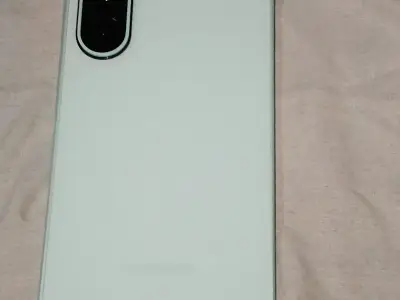
Samsung Phone
1 day use phone Full condition Bil box ok box peke phone no use phone 1 year worante + samsung original charger free
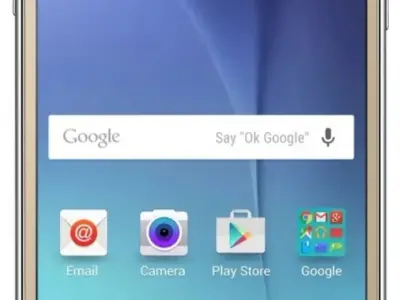
Samsung Galaxy J7 Prime Mobile
સેમસંગ ગેલેક્સી જે7 મોબાઈલ જુનો મોબાઇલ ફોન સેમસંગ ગેલેક્સી જે7 મોબાઈલ ચાર્જ સાથે વેચવાનો છે G pay ₹.1350/+ ભાવ. કુરીયર દ્વારા તમારા ઘરે મોકલી આપ છું. ડીસ્પ્લે ઉડી ગયેલ છે. ડીસ્પ્લે બદલવાની જરૂર પડે છે. બેટરી બેકઅપ સાર...
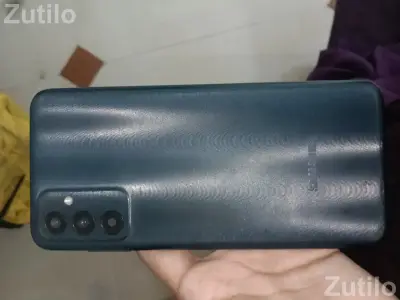
Samsung galaxy
Ahmedabad sahajpur station
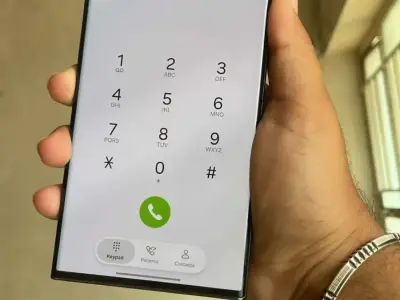
Samsung s23 ultra
12/256 gb full like new condition With bill and box original
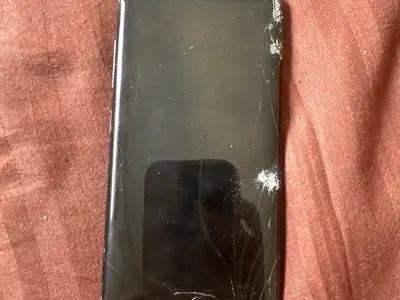
Galaxy s 8
Bot working
Samsung Mobile
Super condition
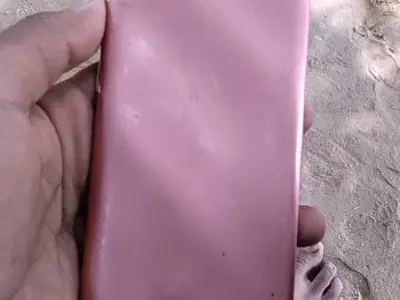
Samsung a04e
Samsung a04e
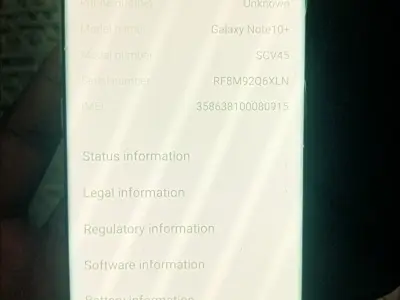
Samsung note 10 plus
Good phone
Samsung Galaxy Z Fold 7 વેચવાનો છે 📱
Galaxy Z Fold 7 વેચવાનો છે 📱* ✨ માત્ર 3 માસ વાપરેલો ફોન છે .–ટીપટોપ કન્ડિશનમાં. 📱 મોડેલ: Samsung Galaxy Z Fold 7 🌍 ફોરેનથી મોકલાવેલ છે ✅ હાઈફાઈ ફીચર્સ છે . 🔥 અપ-ટુ-ડેટ મોડેલ 💵 બજાર કિંમત: ₹1,84,000/- છે . માત્ર 9...

mobile m 20
4 GB RAM | 64 GB ROM | Expandable Upto 512 MB 16.0 cm (6.3 inch) Full HD+ Display 13MP + 5MP | 8MP Front Camera 5000 mAh Battery General In The Box Handset, Charger, Travel Adapter, Ejector Pin, User Manual Model Numb...
Choose the Galaxy model, not just the Samsung name
A used Samsung can suit everyday calls, study, work or photography, but the exact model makes a difference. Look at the model number, storage and condition in each ad. Galaxy S, A and M phones offer different features, and an older premium phone is not always a better choice than a simpler phone in better condition.
On Zutilo, you can browse Samsung phone ads across Gujarat and contact the seller directly. Ask which features you actually need the phone to support, including the apps you use. If you want a Galaxy S20 or another older model, check its current condition and repair needs rather than assuming the model name guarantees good value.
Give the screen and battery a proper check
Look at the screen on a plain light background as well as in ordinary use. Check for lines, discoloured patches, a faint image that stays on screen and places that do not respond to touch. Test the cameras, speakers, microphone and charging connection with the seller present. Ask whether the display or battery has been replaced.
If the battery looks swollen, stop testing the phone and do not charge it. Ask the seller to have it checked by an authorised service centre before considering the purchase. If there is no sign of swelling, check how the battery behaves during calls or videos, and watch for unusual heat or sudden shutdowns. Ask about repair costs if anything needs attention. If you are considering a foldable Galaxy, also inspect the hinge, inner screen and how it opens and closes; a low asking price may leave you with an expensive repair.
Compare the total cost and where you will meet
Compare phones of the same model and storage size, then allow for condition, accessories and repairs. Ask whether the price includes the charger or cable shown. Confirm the seller’s town and meeting place before travelling, because the ads on this page are from across Gujarat.
If Ahmedabad or Surat is practical for you to visit, browse mobile phone ads there and confirm the address with the seller. These local pages include other brands too. Do not send a booking payment just because an ad looks popular, and do not rely on a payment screenshot as proof that you have received money.
Make sure the phone can become yours
Ask the seller to open the phone with their PIN and demonstrate that it works. Check the phone’s identifying details against any bill or written sale record. If it belongs to a company, has an unpaid finance restriction or its ownership is unclear, ask for those issues to be resolved before proceeding.
Complete the account removal and reset together before accepting the phone. The seller should remove their Google and Samsung accounts using Samsung’s instructions. After the reset, check that setup does not ask for the previous owner’s account. Do not accept a promise that they will send you a password later.
Sell your Samsung with clear details and a careful handover
Show the exact Galaxy model, storage, asking price and real photos in your ad. Mention screen marks, battery concerns, repairs and faults, and say which accessories or documents are included. Tell buyers where they can inspect it instead of describing every used phone as like-new.
Back up your photos, contacts and files first. If you use an e-SIM, move your number to your next phone and confirm it works before resetting the old one; get help from your operator if needed. Then remove your Google and Samsung accounts and reset the phone using the manufacturer’s instructions, including the old e-SIM. Take out your physical SIM and any memory card, and check payment in your own bank or payment app before handing over the phone.