Buy and Sell Second Hand Mobile Phones in Porbandar District
129 items
All Listings
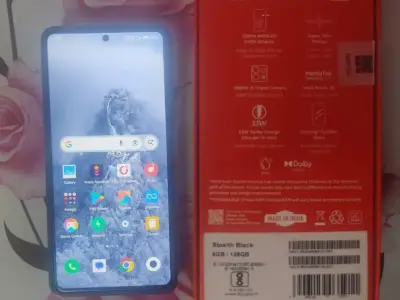
Redmi Note 13 5g
Redmi note 13 5g 6/128 gb storage 2 years old all original phone Bil box charger complete 💯✅

Iphone 13
Arjent sell
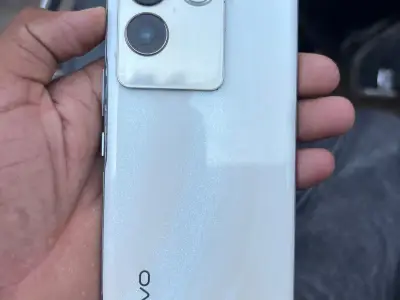
I won’t tu sell ma phone
Redy to use phone i gerentty
POCO Blue Smartphone with Dual Rear Camera
14/12/2025 POCO smartphone in blue color with a dual rear camera design, as shown in the image. Suitable for buyers looking for a used POCO mobile phone. ઈમેજમાં દેખાતો ડ્યુઅલ રિયર કેમેરા ડિઝાઇનવાળો બ્લુ કલરનો POCO સ્...
Vivo x80 5G
no fault Vivo X80 5G in good working condition, featuring a crisp full-screen display and powerful performance for gaming, multitasking and photography. Ideal for anyone looking for a stylish 5G smartphone with smooth...
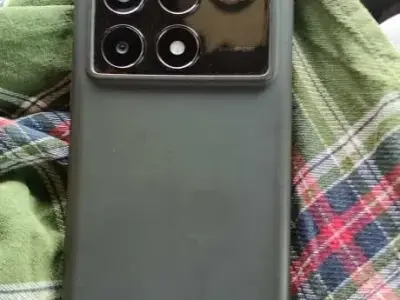
Poco X6 Pro 5G 8GB 256GB Smartphone
Pocox6pro 5g 8/256GB charger 67w battery 🔋 5000 120Hz Poco X6 Pro 5G smartphone with 8GB RAM and 256GB storage. The listing mentions a 67W charger, 5000mAh battery, and 120Hz display. Suitable for users looking for a...
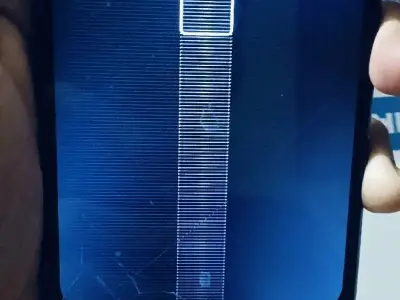
Used Mobile Phone Needs Battery Replacement
બેટરી નાખવી પડે Used mobile phone available for sale. The phone needs a battery replacement, and the screen shows visible lines/cracks as seen in the photo. Suitable for repair or spare parts use. વેચાણ માટે વપરાયેલ મ...
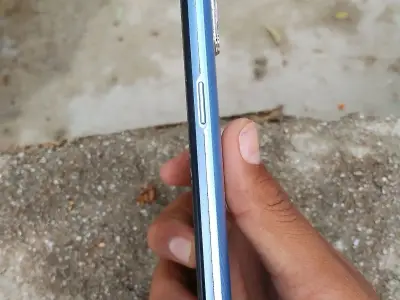
Realme Narzo 20A Mobile Phone
આ મોબાઈલ આપી દેવાનો છે 6 મહિના વાપરેલો છે 100% બેટરી હેલ્થ મળી જશે Realme Narzo 20A mobile phone for sale. The phone has been used for 6 months and the battery health is stated to be very good. Suitable for everyday c...
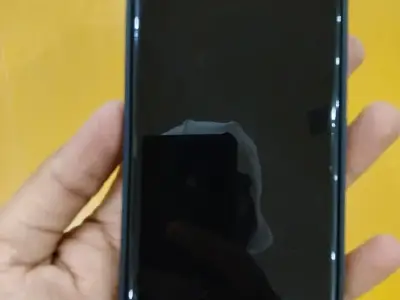
vivo t2pro
2024 Sleek vivo T2 Pro smartphone in good condition, with a smooth, responsive display and in-display fingerprint sensor visible in the photos. Ideal for gaming, streaming, and everyday use, this phone is ready to go—...
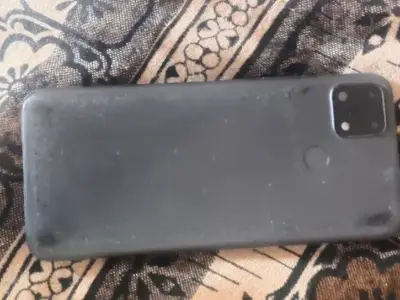
realme no bil no box no charger
cemero jakho chhe jarak ram 4.128 batry 6000 mah ni jova mate bhanvad aavo Used Realme smartphone in working condition, ideal as a backup or secondary phone. Phone only is included (no bill, box or charger), with rear...
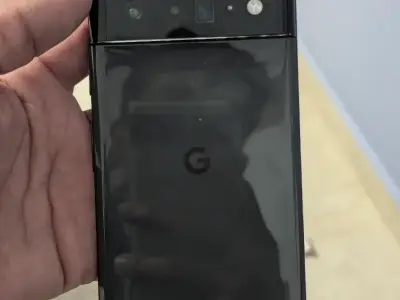
Google Pixel 6 Pro
Google Pixel 6 Pro sale ma chhe. DISPLAY CHENGE KAREL CHE Model: Pixel 6 Pro Display: 6.7" AMOLED 120Hz, super smooth Camera: 50MP + 48MP + 12MP (Flagship quality photo & video) Battery: 5000mAh, fast charging support...
VIVO X60 PRO
RAM :- 12+12GB ROM :- 256GB CURVED DISPLAY 99 % CONDITION ALL ORIGINAL MOBILE CHARGER AND BILL EXCHANGE ONLY IPHONES PROFESSIONAL PHOTOGRAPHY PHONE Vivo X60 Pro in good condition, featuring a sleek design with a vibra...
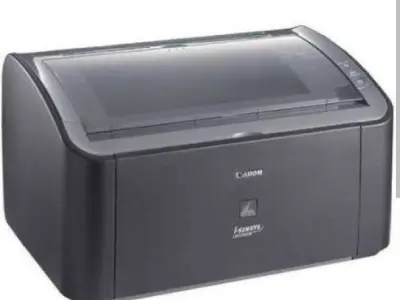
canon printer 2900
canon printer good condition Canon Laser Printer 2900 in very good condition, ideal for home or small office use. Delivers fast, sharp black-and-white prints with low running cost and compact design that easily fits o...
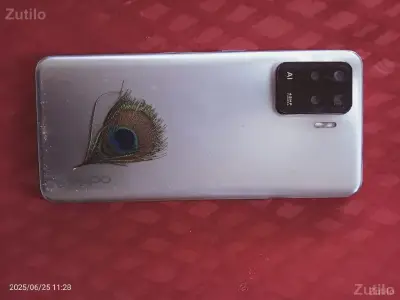
OPPO f19 pro
koy jat no vandho nathi oppo f19 pro mobile mo.8849325308 Stylish OPPO F19 Pro with AI quad camera and 48MP main lens, perfect for clear photos and everyday use. Phone is in used condition with a unique peacock-feathe...
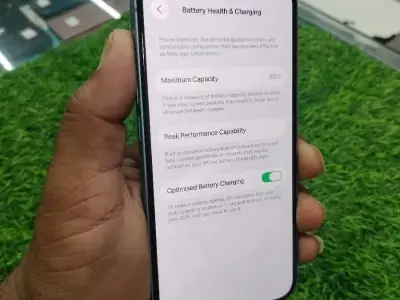
મોબાઇલ વેચવાનો સે
iphone 14 128gb 85% Betry full kit 100% This iPhone is in good working condition with a clear display and strong overall performance. Battery health shows 85% maximum capacity with Optimised Battery Charging enabled,...
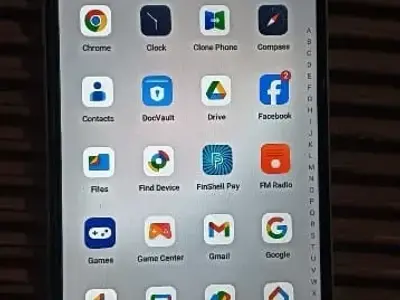
Mobile vesvano se
model oppo A 59 બીલબોક્સ સાથે કડીસન 100 ટકા ફૂલ જવાબદારી તારિખ 5 એપ્રિલ 2024 All apps work smoothly on this smartphone, with a clear display and responsive touch, ideal for everyday calling, social media, and online w...
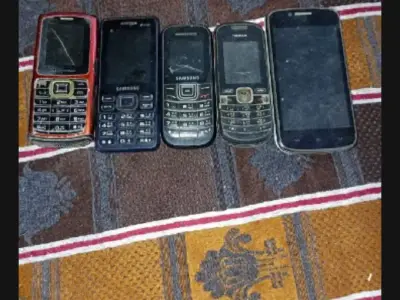
મોબાઇલ વેચવા ના છે
મોબાઇલ વેચવા ના છે બધા ભેરા વેચવા ના છે અલગ નથી વેચવા ના Lot of mixed mobile phones for sale, including several classic keypad models and one touchscreen smartphone as shown in the photo. Ideal for parts, repair pract...
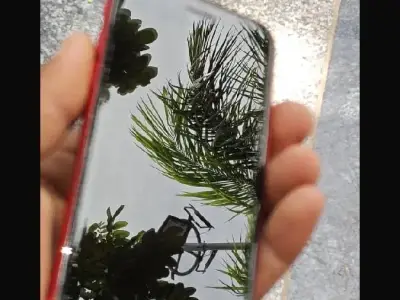
I phone વેચવા નો છે
I phone se3 5g પીસ ૧૦૦ કન્ડિશન ૭૨ બેટરી Stylish iPhone in good condition with a clear, responsive touchscreen and a protective red case already fitted. Ideal for daily use, social media, and calling, this phone is rea...
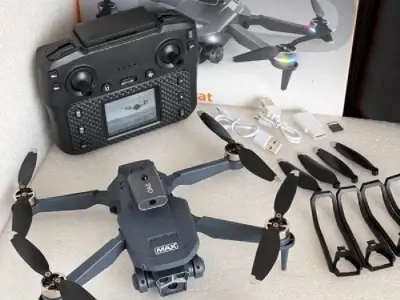
Drone camera
2025 Capture stunning aerial shots with this feature-packed drone camera, complete with controller, dual batteries, propeller guards, extra blades, and charging cables. Foldable design makes it easy to carry, and it’s...
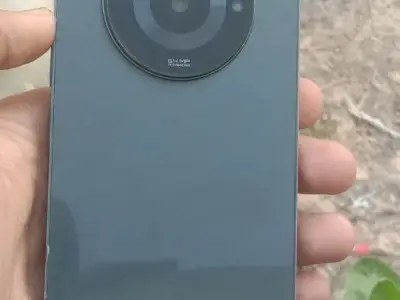
ફોને વેચવાનો છે
realme narzo 60 chhe tiptop condition chhe 8 128 chhe Stylish Realme Narzo smartphone for sale, featuring a sleek design and a powerful 64MP AI camera for sharp photos and videos. The phone looks well maintained as sh...
samsung galaxy s22 ultra 5g
samsung galaxy s22 ultra 5g indian 12 256 like new no crash fully working condition no 9328303481 Powerful Samsung Galaxy S22 Ultra 5G with stunning edge‑to‑edge display and built‑in S Pen for pro‑level productivity a...
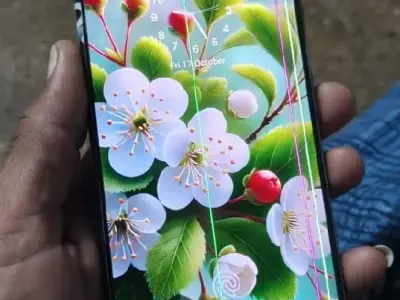
Samsung s21 plus 5g (Exchange ha
Samsung s21 plus line issue che biju badhy ok box bil 85000 .. exchange halel Samsung S21 Plus 5G available, phone is fully working and good for performance, calling and 5G use, but the display has visible vertical li...
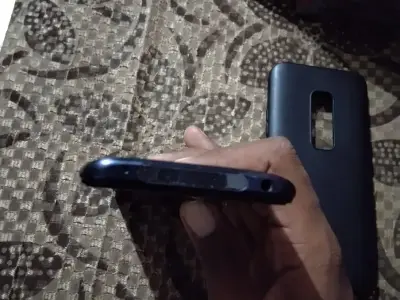
મોબાઈલ વેચવાનો છે
vivo v17 pro 8-128 રહેવાનો છે આખો ફોન ઓરીજનલ રહેવાનો છે બિલ બોક્સ નથી ખાલી ચાર્જિંગ છે કિંમતમાં ફેરફાર થઈ જશે Well-maintained smartphone for sale, comes with back cover as shown in the photo. All buttons, charging por...
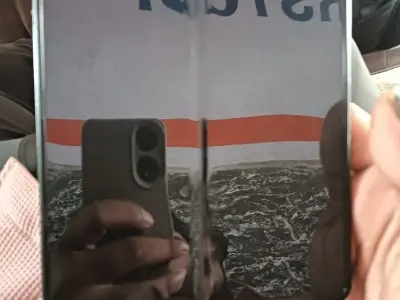
vesh vano se
satama I phone hale Sleek foldable smartphone, perfect as a secondary or experimental device. Screen shows a visible crease/damage line in the middle (see photo), so it’s ideal for parts, repair, or anyone wanting to...
Find a phone that fits your needs
Mobile phone ads across Porbandar district on Zutilo: 129. Read the location in each ad: a phone advertised for the district may be in a town or village rather than its main city.
Need a replacement smartphone, a second phone for work or a simple calling phone? Start with how you will use it and what you can spend. Check whether each phone is used, like-new or new rather than assuming every ad describes the same condition.
Open the ads that interest you and contact sellers directly. When choosing between two phones, consider the journey as well as the asking price. A viewing you can arrange nearby may be more practical than travelling a long way for a small price difference.
Choosing an iPhone, Android phone or a basic handset
For calls, WhatsApp, payments and everyday apps, look for enough storage and a battery that suits your daily use. If photos, videos or gaming matter more, compare the camera and how the phone performs, not just the model name.
When considering a used iPhone or an Android phone such as Samsung or OnePlus, check the exact model and whether it still supports the apps you need. An older premium model and a newer budget phone can offer different advantages. Choose the one that fits your needs, rather than paying more for a name.
Compare the full cost, not just the asking price
Compare phones with the same model and storage where possible. Age, battery condition, repairs and damage can explain why similar-looking phones have different prices. Ask what comes with the phone, including its charger, box and purchase bill.
A low asking price may be less attractive if you need a replacement battery, a screen repair or another charger. Find out those costs before agreeing on the price. For accessories bought separately, check that they suit the exact phone model.
See the phone before paying
Before travelling across Porbandar district, confirm that the phone is still available and ask for the exact town and meeting place. Discuss faults and previous repairs first so you can decide whether the journey is worthwhile.
Try the touchscreen, cameras, microphone, speaker, buttons and charging. Ask to test a call and mobile data with your SIM. Watch for unexpected heating, restarts or a battery that drops quickly. On an iPhone, check battery health and any parts or repair information available in Settings.
Check the phone's identifying number, called the IMEI, against any available bill or box. Matching numbers alone do not prove ownership. Before completing the handover, make sure the seller removes their accounts and that the phone can be set up without asking for the previous owner's details.
Do not send an advance simply to reserve a phone. If the seller will not allow a reasonable inspection or cannot explain a problem, consider another ad.
Sell your old mobile phone in Porbandar district
Show the actual phone in clear photos and give its exact model, storage and asking price. Name the town or village where buyers can see it, rather than only the district. Describe scratches, faults and previous repairs honestly, and say whether the bill, box and charger are included.
Back up the photos, contacts and files you want to keep. If you use an e-SIM, transfer your number to your next phone and confirm it works before erasing the old phone; ask your operator for help if needed. Then remove your accounts from the old phone and erase it using the manufacturer's instructions, including the old e-SIM. Simply deleting a few photos or apps is not enough. Take out your physical SIM and memory card if present. Confirm that payment has reached your own bank or payment app before completing the handover.