ગુજરાતમાં સેકન્ડ હેન્ડ LED કે Smart TV કેવી રીતે ખરીદવું
જૂનો LED કે Smart TV ખરીદતા પહેલાં screen, Wi‑Fi, HDMI, sound, remote, accessories અને seller details ચેક કરો.

Hetvi Patel
Content Writer
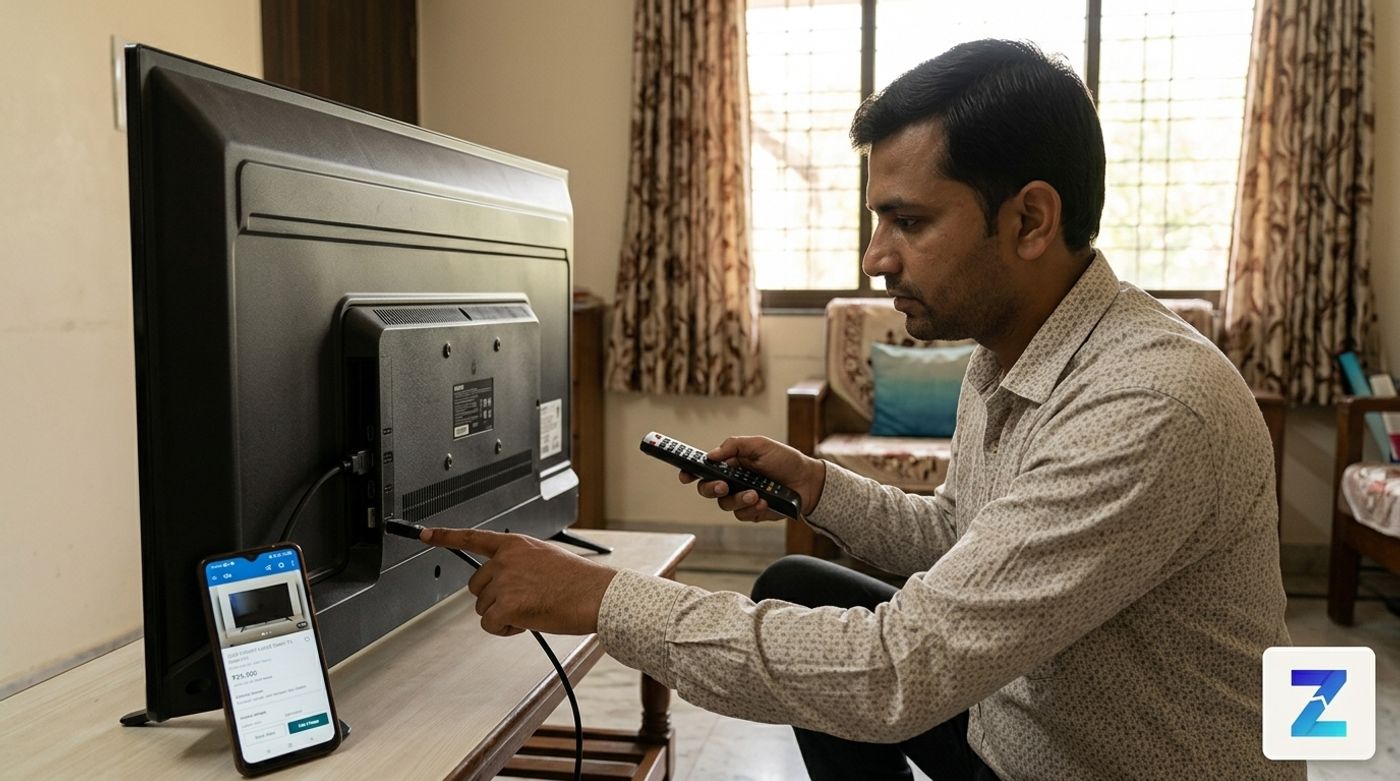
ગુજરાતમાં જૂનો LED, LCD, Android કે Smart TV ખરીદતા પહેલાં screen, Wi‑Fi, apps, HDMI/USB ports, sound, remote, stand/wall mount, bill અને repair history ચેક કરો. Payment પહેલાં TV રૂબરૂ test કરો અને advance payment ટાળો.
ઝડપી જવાબ#
ગુજરાતમાં સેકન્ડ હેન્ડ LED, LCD, Android કે Smart TV ખરીદવું ઉપયોગી બની શકે છે, પણ payment કરતાં પહેલાં TV સારી રીતે test કરવો જરૂરી છે.
Screen પર lines, black spots, flickering અને dark patches છે કે નહીં જુઓ. Wi‑Fi connect કરો, YouTube અથવા app ચલાવો, HDMI અને USB ports test કરો, sound ઊંચા volume પર સાંભળો, remote અને accessories ચેક કરો અને sellerને repair history વિશે સીધું પૂછો.
સૌથી મહત્વની વાત: TV જોયા અને test કર્યા વગર advance payment ન કરો.
તમે ગુજરાતમાં used TV listings જોઈ શકો છો. બીજા electronics compare કરવા હોય તો Zutilo પર used electronics પણ તપાસો.
આ guide કોના માટે છે?#
આ guide Gujaratમાં second-hand LED TV, LCD TV, Android TV, Smart TV, remote સાથે TV અથવા repair માટે damaged TV ખરીદવા વિચારી રહેલા buyers માટે છે.
Used TV bedroom, rented house, shop, office, hostel room અથવા family upgrade માટે practical option બની શકે છે. પણ TV ચાલુ થાય એટલે તે સંપૂર્ણ સારું છે એવું માનવું નહીં. Screen, HDMI, Wi‑Fi, sound, remote અને repair history બધું ચેક કરવું પડે.
Used TV ખરીદતા પહેલાં checklist#
Sellerને મળવા જતાં પહેલાં શક્ય હોય તો pen drive, mobile hotspot અને HDMI device લઈ જાઓ. ઉતાવળ ન કરો. 10–15 મિનિટ test કરવાથી ઘણી hidden problems મળી શકે છે.
1. Screen સૌથી પહેલા ચેક કરો#
TVની screen સૌથી મોંઘો ભાગ હોય છે. Panel damage હોય તો repair ખર્ચાળ થઈ શકે છે.
Sellerને TV થોડો સમય ચાલુ રાખવા કહો. White, black, red, green, blue screen અને normal video ચલાવીને જુઓ. YouTube પર dead pixel test અથવા screen test ચલાવી શકો છો.
Black dots, lines, flickering, colour patch, uneven brightness, dark areas અને burn-in marks ધ્યાનથી જુઓ. Panel problem દેખાય તો deal ધીમે આગળ વધારો.
2. Wi‑Fi અને Smart TV features test કરો#
Smart TV કે Android TV કહેવાતું હોય તો home screen જોઈને decision ન લો. Mobile hotspot connect કરો અને YouTube અથવા બીજી app ચલાવો.
Wi‑Fi smoothly connect થાય છે કે નહીં, video અટક્યા વગર ચાલે છે કે નહીં, TV restart નથી થતો ને, menu બહુ slow નથી ને અને remote appsમાં બરાબર કામ કરે છે કે નહીં તે ચેક કરો.
જો smart features ધીમા હોય પણ screen સારી હોય, તો streaming stick વાપરી શકાય. પણ smart features કામ ન કરે તો extra price ન આપવી.
3. HDMI અને USB ports ચેક કરો#
Set-top box, laptop, gaming console, streaming stick અથવા soundbar માટે HDMI જરૂરી હોય છે. દરેક HDMI port અલગથી test કરો.
USB portમાં pen drive લગાવો. Soundbar વાપરવાનો હોય તો HDMI ARC અથવા audio out પણ ચેક કરો. Cable હળવેથી હલાવો; signal આવતો-જતો રહે તો port loose હોઈ શકે છે.
4. Sound properly સાંભળો#
TVનો volume લગભગ 70 ટકા સુધી વધારો. Dialogue, music અને loud video સાંભળો.
Buzzing, crackling, rattling, distorted sound, એક speaker નબળો છે કે dialogue unclear છે તે જુઓ. જો soundbar વાપરવાનો હોય તો આ issue manageable હોઈ શકે, પણ priceમાં ગણવો જોઈએ.
5. Remote અને TV buttons ચેક કરો#
Original remote છે કે duplicate છે તે પૂછો. Power, volume, channel, home, back, navigation, app buttons, voice button અને settings button test કરો.
TV bodyના physical buttons પણ ચેક કરો. Remote પછી ખરાબ થાય તો basic control માટે કામ આવી શકે છે.
6. Stand, wall mount અને accessories પૂછો#
TV સાથે table stand, wall mount bracket, power cable, remote, box, bill, screws અને fitting parts મળશે કે નહીં એ clear પૂછો.
જો stand ન હોય અને તમારે TV table પર મૂકવો હોય, તો અલગ stand લેવા ખર્ચ આવશે.
7. Body અને back panel inspect કરો#
Frame crack, loose back panel, missing screws, impact marks, port પાસે burn marks, TV ચાલુ થયા પછી strange smell, model sticker અને manufacturing details ચેક કરો.
Seller જે model કહે છે તે પાછળના sticker સાથે match થાય છે કે નહીં તે જુઓ.
Sellerને પૂછવાના પ્રશ્નો#
Zutilo chatમાં પહેલાં આ પ્રશ્નો પૂછો:
- TV શા માટે વેચો છો?
- TVમાં ક્યારેય repair થયું છે?
- Screenમાં lines, patch કે flicker છે?
- Wi‑Fi અને apps કામ કરે છે?
- HDMI અને USB ports કામ કરે છે?
- Original remote છે?
- Bill, box, stand કે wall mount મળશે?
- Payment પહેલાં TV test કરી શકું?
જો seller testing કરવા ન દે અથવા repair history ટાળે, તો સાવચેત રહો.
Zutilo પર listings કેવી રીતે compare કરવી#
Zutilo TV listings જોતી વખતે ફક્ત screen size ન જુઓ. સસ્તો મોટો TV panel issue સાથે ખરાબ deal હોઈ શકે છે. Clean conditionમાં નાનો TV ઘણી વખત વધુ સારો option બને છે.
Brand, model, size, TV type, display condition, age, repair history, accessories, seller location, photos અને faults clearly લખેલા છે કે નહીં તે compare કરો.
Local demand સમજવા માટે city page પણ જોઈ શકો છો, જેમ કે Ahmedabadમાં used TVs.
Safety અને payment tips#
Zutilo local buying સરળ બનાવે છે, પણ safety checks buyerએ કરવાના રહે છે. વધુ માહિતી માટે Zutilo safety guide વાંચો.
Inspection પહેલાં advance payment ન કરો. Booking amount, fake urgency અને testing ન કરવાની શરતથી સાવચેત રહો.
TV મોટું item છે, એટલે sellerના ઘર કે shop પર test કરવું પડી શકે. શક્ય હોય તો મિત્ર કે family member સાથે જાઓ. પહેલા test કરો, accessories confirm કરો અને પછી જ payment કરો.
ક્યારે listing skip કરવી?#
Seller advance payment માંગે, testing ન કરવા દે, unclear photos આપે, panel repair વિશે જવાબ ટાળે, model sticker match ન થાય, અથવા screenમાં lines અને flicker દેખાય છતાં problem નકારે — તો deal ટાળવી સારી.
તમારે પણ કંઈક વેચવું છે?
Zutilo પર માત્ર ૩૦ સેકન્ડમાં મફત જાહેરાત મૂકો અને ગુજરાતભરના લાખો ખરીદદારો સુધી પહોંચો.
Zutilo પર used TV જુઓZutilo પર વધુ શોધો
કેટેગરી શોર્ટકટવારંવાર પૂછાતા પ્રશ્નો (FAQ)
4 પ્રશ્નો1સેકન્ડ હેન્ડ Smart TV ખરીદવું સલામત છે?
હા, જો તમે payment પહેલાં TV રૂબરૂ જઈને test કરો. Screen, Wi‑Fi, HDMI, USB, speaker, remote અને accessories બધું ચેક કરો. Advance payment ન કરો.
2Used TVમાં સૌથી પહેલા શું ચેક કરવું?
સૌથી પહેલા screen ચેક કરો. Display panelમાં problem હોય તો repair ખર્ચાળ બની શકે છે. Dead pixel, lines, dark patches, flickering અને burn-in જેવી સમસ્યાઓ જુઓ.
3Smart TV લેવો કે normal LED TV સાથે streaming stick વાપરવી?
જો TVની screen સારી હોય પણ smart features ધીમા હોય, તો અલગ streaming stick વાપરવો સારો option હોઈ શકે છે. Smart features માટે વધારે ચૂકવતા પહેલાં તે બરાબર કામ કરે છે કે નહીં તે test કરો.
4Bill વગર used TV લેવો યોગ્ય છે?
Bill હોય તો ownership અને age સમજવામાં મદદ મળે છે. Bill ન હોય તો model sticker, manufacturing details, sellerની વાત અને TV condition વધારે ધ્યાનથી ચેક કરો.